
Login credentials into the application are the same as for the GARS Connect. You should've receive it from your admin or supervisor.
In case you do not have the login credentials, submit Support Request or e-mail support@gravick.com.
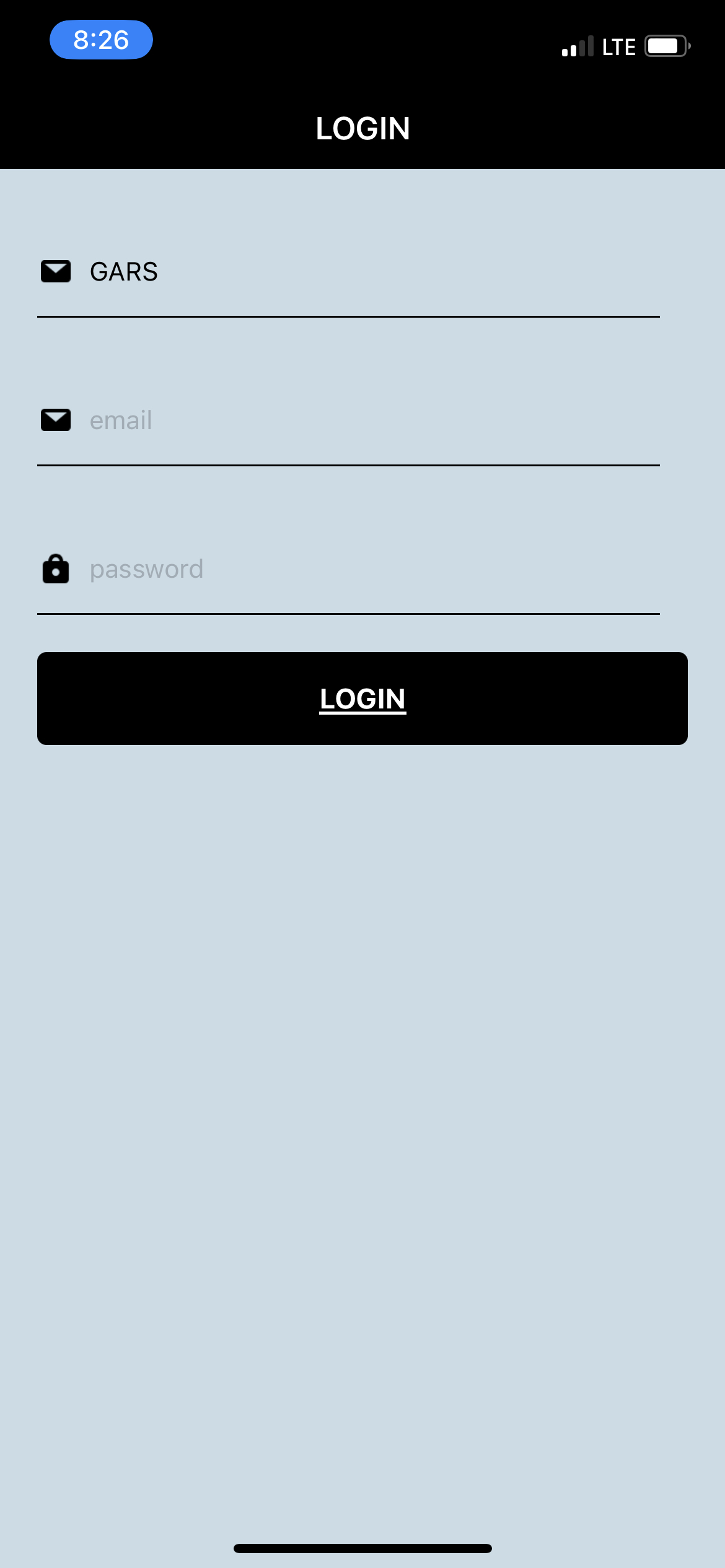
To login into the GARS Guardian 4.0, do following:
- On your iPhone locate app called Guardian 4 and click on it.
- In the server section select GARS (in case it is not already selected)
- Enter your e-mail
- Enter the password
- Click LOGIN
In case you receive any error messages make sure you have entered correct e-mail and password, only after that submit Support Request or e-mail support@gravick.com.